
Secure Password Generator
Secure Password Generator Tool
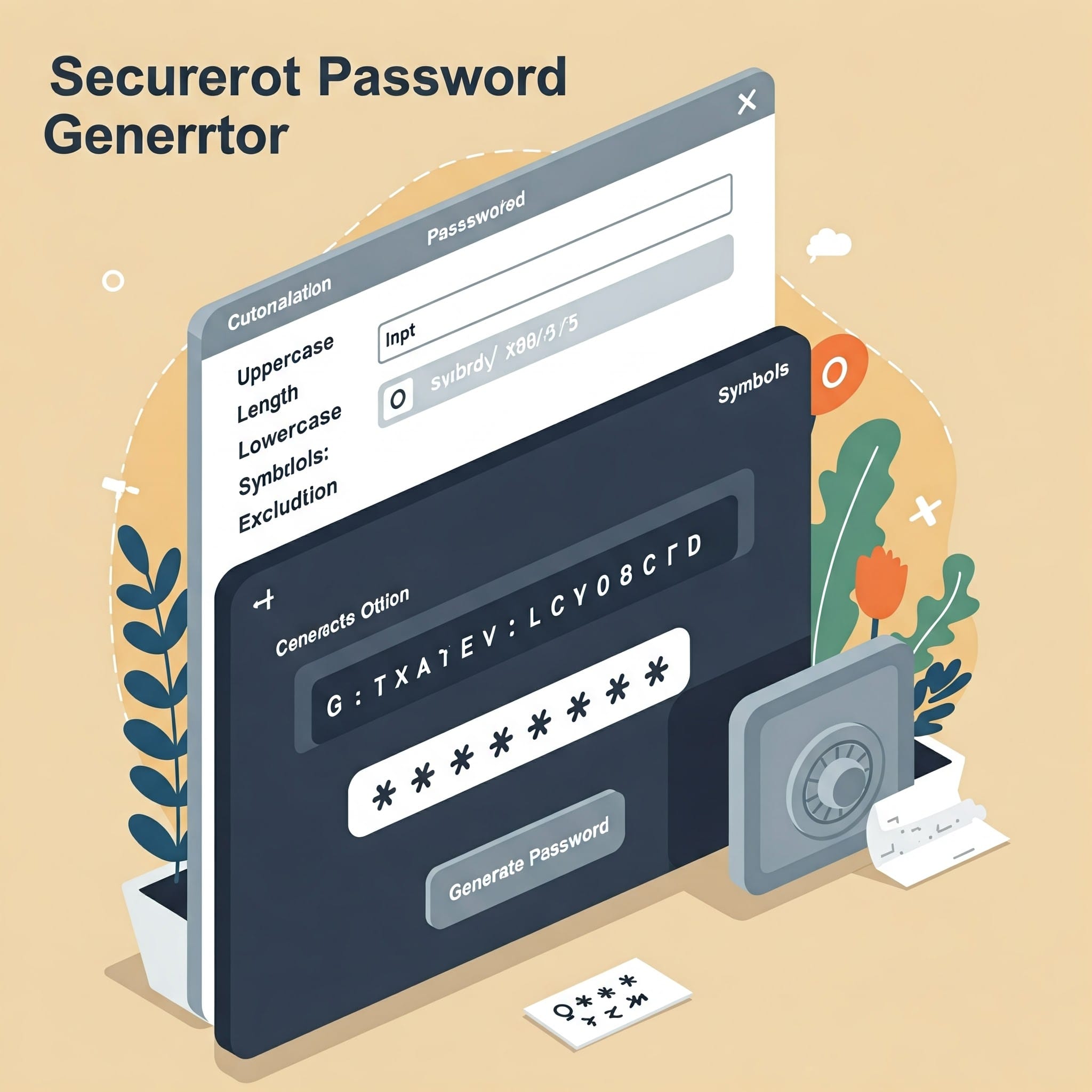
Create strong, unique, and secure passwords instantly using this free online password generator. Protect your accounts from hacking and cyber attacks effortlessly.
Why Use a Secure Password Generator?
In today’s digital world, your online security starts with a strong password. Weak or reused passwords are easy targets for cybercriminals. Hackers use automated tools and brute-force attacks to crack simple passwords in seconds. A secure password generator ensures you always have strong, unguessable passwords that keep your personal and professional accounts safe.
This tool generates complex combinations of letters, numbers, and symbols that are difficult to guess or crack. Whether you’re creating a password for banking, email, social media, or work-related accounts, using randomly generated passwords significantly boosts your cybersecurity.
Features of the Secure Password Generator Tool
- Instant password creation: Generate passwords with one click.
- Custom length: Choose how long you want your password to be—ideal for different platforms.
- Character customization: Include uppercase, lowercase, numbers, and special symbols.
- Completely free: No charges, subscriptions, or hidden fees.
- No data tracking: We do not store or share your passwords. Everything runs client-side in your browser.
- User-friendly: Designed to be easy to use on both desktop and mobile devices.
How to Generate a Strong Password
- Scroll up to the password generator section.
- Choose your desired password length (12 characters or more is recommended).
- Select the types of characters you want to include: uppercase, lowercase, numbers, and/or symbols.
- Click the “Generate Password” button.
- Copy and use your secure password wherever you need it.
This tool allows you to generate as many passwords as you need. You can always customize the settings to meet different requirements for various platforms.
Tips to Keep Passwords Safe
- Use a different password for every account: Reusing the same password increases your vulnerability.
- Never include personal info: Avoid using your name, birth date, or pet’s name.
- Enable two-factor authentication (2FA): Add an extra layer of protection to your accounts.
- Use a password manager: Safely store and manage all your passwords in one place.
- Update passwords regularly: Change your passwords every few months for extra security.
Frequently Asked Questions (FAQs)
Is this password generator tool free to use?
Yes, our password generator is 100% free to use. There’s no need to sign up or provide any personal details. Just visit the page and start generating secure passwords instantly.
What is the recommended password length?
Security experts recommend using passwords that are at least 12 characters long. The longer and more complex your password, the harder it is for attackers to crack it. Include a mix of letters, numbers, and symbols for maximum strength.
Is it safe to use this online password generator?
Yes, it’s safe. All password generation happens in your browser, and nothing is sent to our server. We do not log, save, or transmit any information you enter or generate using this tool.
Can I use these passwords for work or sensitive accounts?
Absolutely. This tool is ideal for creating passwords for banking, business platforms, cloud services, email, and more. Always store your password securely in a password manager.
Last updated : April 18, 2016