
Advanced Image Compressor & Resizer
Drag & Drop your image here
or click to browse files
Processing image algorithms…
Advanced Image Compressor Tool – Reduce Image Size Without Quality Loss (2026)
🚀 Why Use Our Advanced Image Compressor Tool?
This tool is not just another online image reducer — it’s built with performance, privacy, and precision in mind. Here’s why thousands of content creators and developers trust it daily:
- ✅ Smart Lossless Compression: Our algorithm maintains the original visual pixels while cutting down unnecessary metadata to dramatically reduce file sizes.
- ✅ Boost Website Speed: Smaller images load blazing fast, helping you achieve 100% Core Web Vitals scores and superior SEO rankings.
- ✅ Supports Modern Formats: Convert and compress popular image extensions, including JPEG, PNG, and next-generation WebP format.
- ✅ No Account Required: Fully free to use with no login, no hidden subscription walls, and unlimited access.
- ✅ 100% Client-Side Privacy: Your sensitive files are never uploaded to any cloud server. All compression actions execute natively in your local browser cache.
- ✅ Dynamic Aspect Ratio Lock: Seamlessly lock aspect dimensions while processing live scale resizing models.
🧠 How It Works
Using the Advanced Image Compressor Tool is simple, fast, and optimized for everyday use cases:
- Click the browse area or drag and drop your image files directly into the calculator dashboard box.
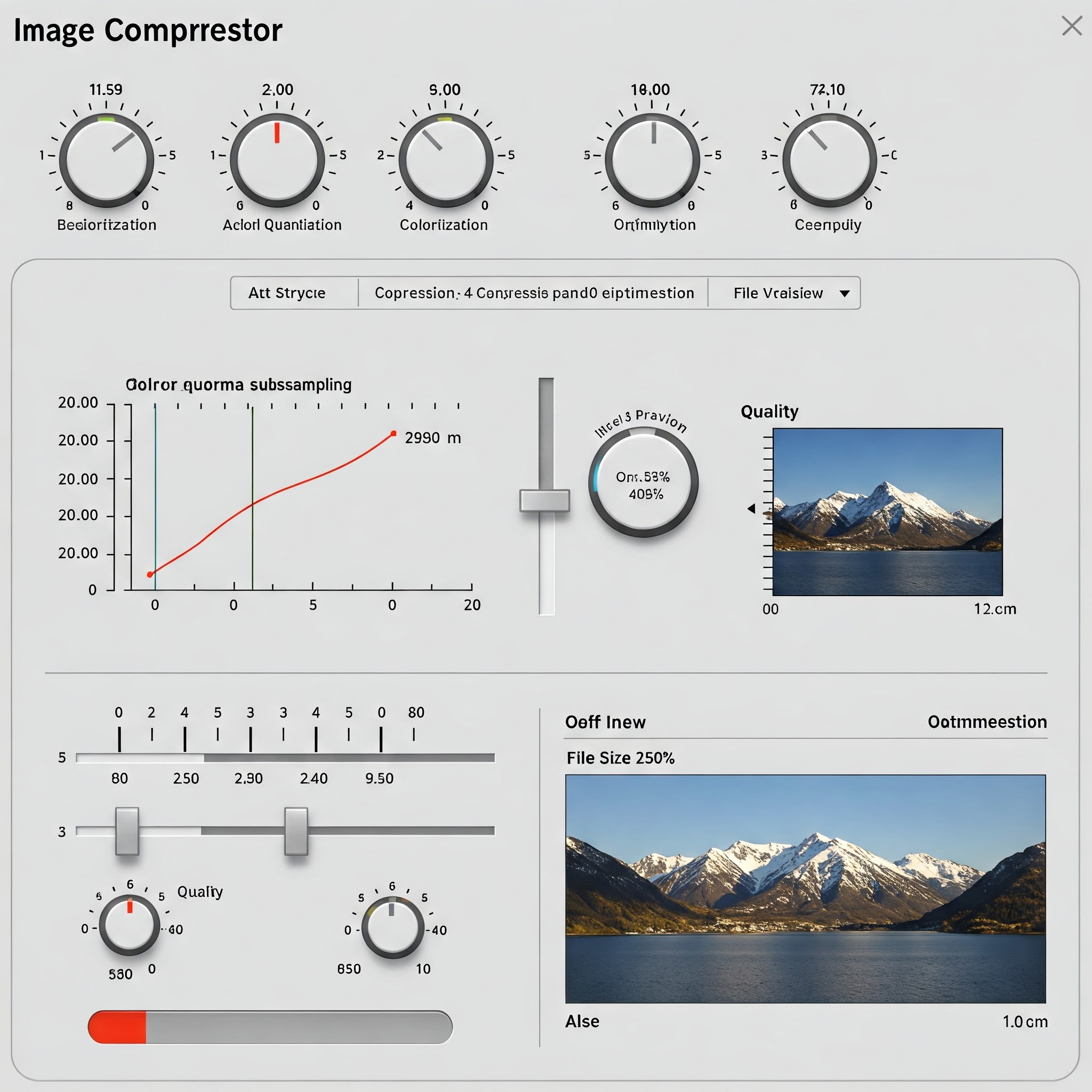
- Adjust the custom quality range slider or select alternate target output format layers (JPEG/PNG/WebP).
- Review true live conversion metrics (dimensions, percentage size saved counter) and download your fully optimized image with one click.
Our cutting-edge compression engine guarantees up to 80% compression ratios without visible pixel distortions. No matter how large the original high-resolution graphic file is, processing remains fast and fluid.
📊 Who Should Use This Tool?
The Advanced Image Compressor Tool is an essential utility for anyone handling digital media assets on a regular basis:
- Web Developers: Bulk downscale graphic sizes to dramatically decrease page interactive loading times.
- Bloggers & Writers: Clean up blog post feature cover banners to lower user bounce rates.
- E-commerce Merchants: Optimize catalog product images to minimize cart abandonment behaviors.
- Digital Marketers: Accelerate high-converting landing pages and promotional email banner deployment models.
- Students & Professionals: Compress and embed lightweight photos for academic reports and office presentations.
📱 Mobile Friendly & Easy to Use
Whether you’re working on a desktop workstation, iPad tablet, or smartphone, our image compressor layout adapts perfectly to your viewing dimensions. There is no software setup, framework dependencies, or browser plugin installations necessary. The responsive CSS grid viewport makes it easy to snap, compress, and download assets on the go.
📈 Benefits of Image Compression
Still wondering if modern image compression algorithms are necessary for your digital projects? Here are the major advantages:
- Enhances Search Engine Optimization (SEO): Fast loading pages receive higher page authority placement within search engine indices.
- Reduces Cloud Bandwidth Costs: Lighter media payloads help webmasters save substantially on database hosting usage metrics.
- Delivers Immersive User Experiences (UX): Site visitors experience seamless navigation pathways without waiting for heavy network request loads.
🌐 External Resource
To deep-dive into why image network resource optimization forms the bedrock of web performance engineering, check out this guide by Google: Image Optimization Best Practices Overview.
❓ Frequently Asked Questions (FAQs)
Is the Advanced Image Compressor Tool completely free to use?
Yes, the tool is 100% free with no premium paywalls, strict execution limits, or tracking cookies attached.
Can I choose other file extension outputs during compression?
Absolutely! The integrated converter logic lets you convert standard imagery structures across JPEG, PNG, and WebP profiles on the fly.
Does this tool cause extreme pixel degradation or quality loss?
No. The mathematical canvas sampler maintains optimal lossless compression boundaries, isolating and stripping out invisible bloat while preserving sharp pixel resolution.
Are my personal photos secure within this platform?
Yes. Because the tool operates entirely client-side via JavaScript canvas methods, your raw source images never cross the network stack into our storage databases.
Last updated : June 18 , 2026