
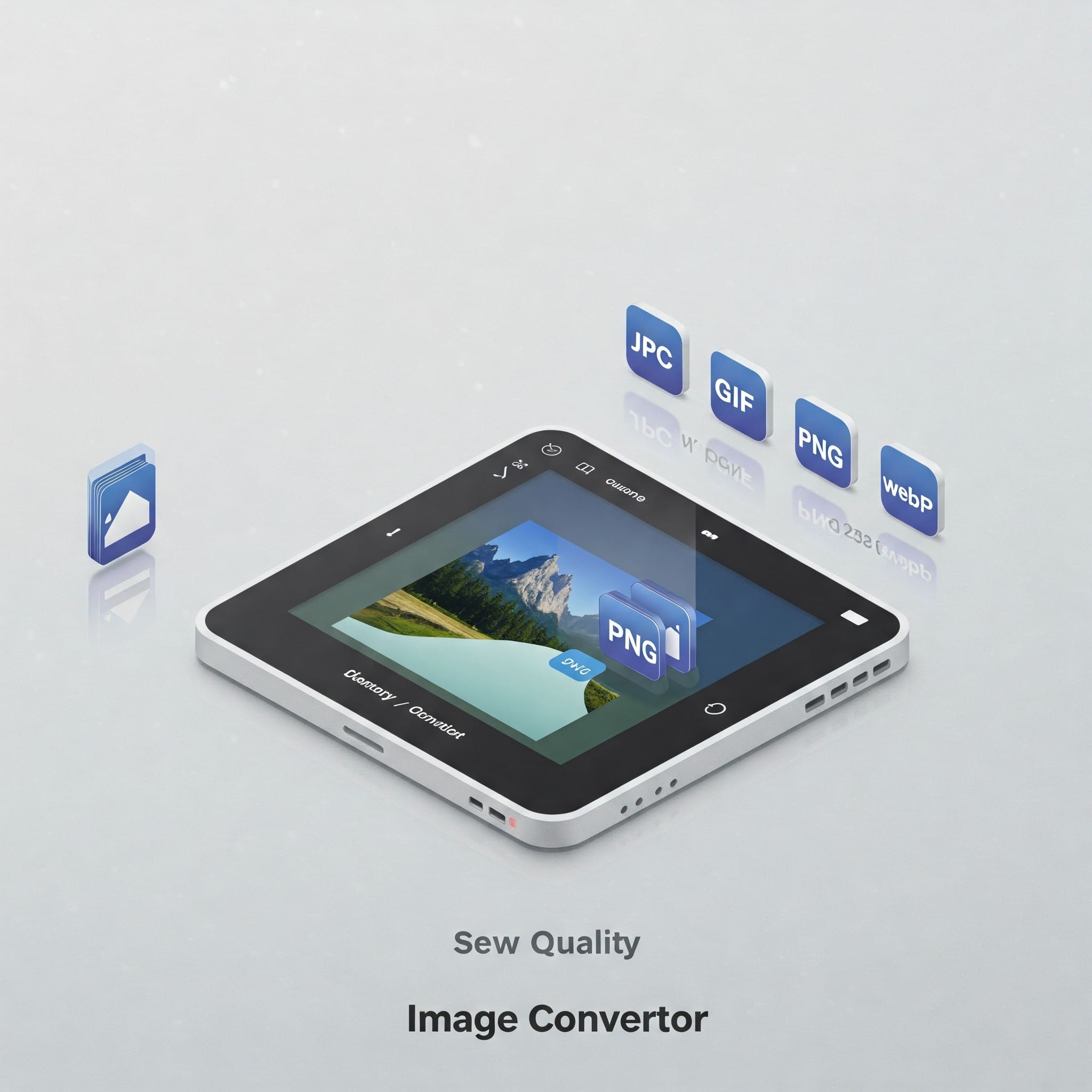
Best Free Online Image Converter – Convert JPG, PNG, WebP & More
Upload, convert, and download – no watermark, no cost, no sign-up.
Start Converting
📑 Table of Contents
- What is an Image Converter Tool?
- Why Convert Images Online?
- Supported File Formats
- How to Use Our Image Converter
- Benefits of Using Our Tool
- Additional Features
- Pros and Cons
- FAQs
- External Resources
- Related Tools
- Final Words
What is an Image Converter Tool?
This tool allows users to convert one image format into another (e.g., PNG to JPG). It’s perfect for optimizing images for web use, social media, or email attachments without quality loss.
Why Convert Images Online?
Online image converters save time and resources. No software installation needed, works across devices, and conversions happen within seconds. Ideal for students, designers, marketers, and web developers.
Supported File Formats
- JPG / JPEG
- PNG (transparency supported)
- GIF (animated)
- WebP (high compression)
- BMP
- TIFF
- SVG
How to Use Our Image Converter
- Click “Upload Image” and select your file.
- Select the output format (e.g., JPG, PNG).
- Click “Convert” and wait for a few seconds.
- Download your converted image instantly.
Benefits of Using Our Tool
- Free to use with no watermark
- Supports all major image types
- Mobile-friendly & fast loading
- Safe & secure (no data stored)
Additional Features
Along with image conversion, you can:
- Resize and crop images
- Compress images for faster web load
- Convert multiple images (batch mode)
Pros and Cons
Pros: Free, no signup, simple interface.
Cons: Limited to basic editing, no advanced filters.
FAQs
Q1. Is the image converter free?
Yes, absolutely. There are no hidden fees.
Q2. What image size can I upload?
Up to 10MB per file. For larger files, compress them first.
Q3. Will my image lose quality?
No. Conversions maintain original quality wherever possible.
External Resources
Final Words
Our free online image converter is simple, secure, and lightning fast. No login required. Convert images on the go and optimize them for any use – from blogging to business. Try it now!
Last updated : April 18 , 2026