
🖋️ Digital Signature Generator & PDF Signer
✍️ Draw Your Signature
⌨️ Type Your Signature
📄 Upload & Sign PDF (Multi-page supported)
📌 Table of Contents
- What is a Digital Signature Generator?
- Why Are Digital Signatures Important?
- Key Features of This Tool
- How to Use the Signature Generator
- Real-World Applications
- Privacy & Security Considerations
- Benefits of Using a Digital Signature Online
- Frequently Asked Questions
What is a Digital Signature Generator?
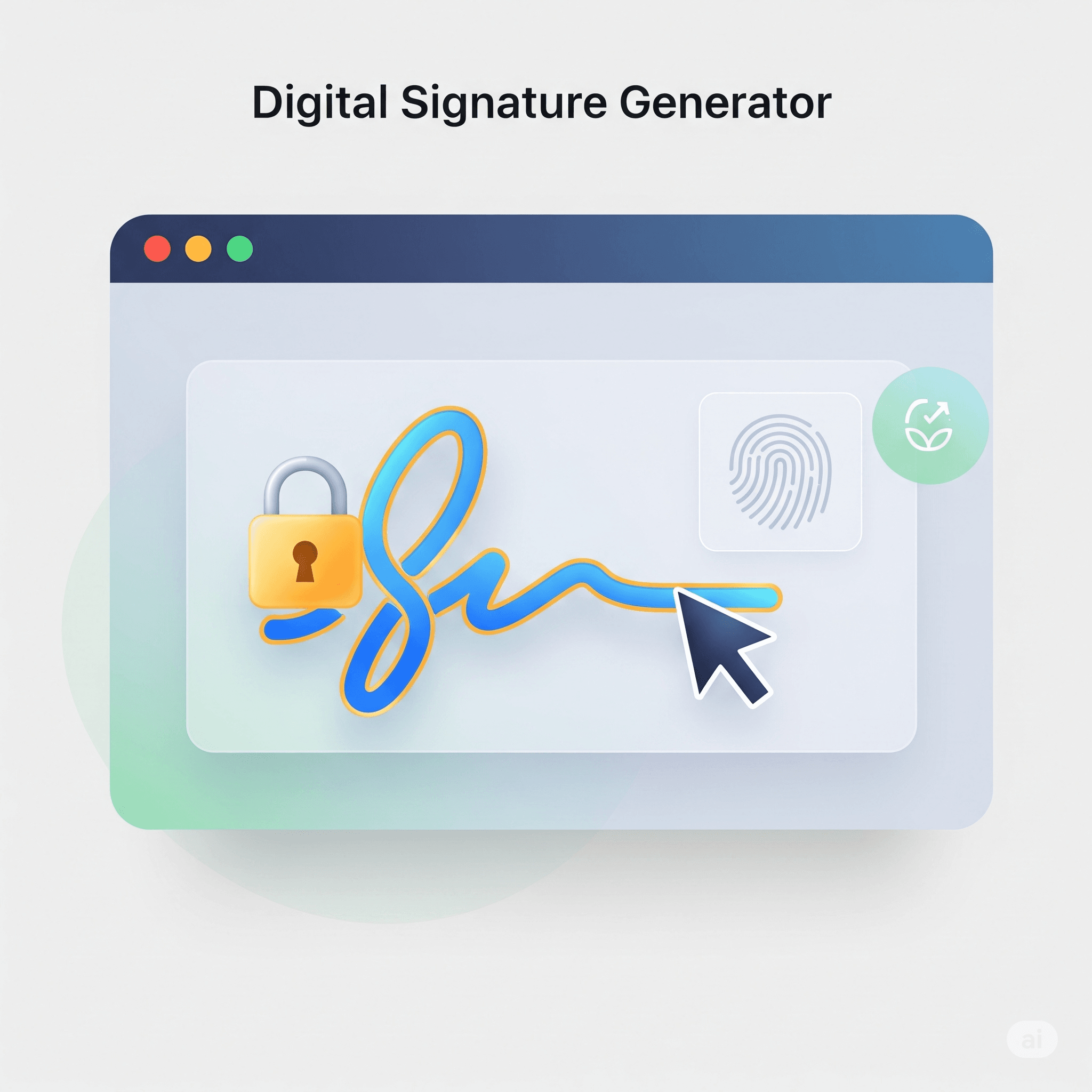
A digital signature generator is a web-based tool that allows users to create their handwritten or typed signatures in digital format. It enables you to draw your signature using a mouse, touchscreen, or stylus, or type your name using stylish fonts. The signature is then downloadable as a PNG image with a transparent background, perfect for use on documents, emails, or forms.
This tool bridges the gap between traditional signatures and paperless workflows. With more people working remotely and handling online agreements, the need for fast, legally compliant, and reusable digital signatures has become critical.
Why Are Digital Signatures Important?
In today’s digital-first world, signatures still play a key role in authentication and authorization. Whether you’re signing an employment offer letter, NDAs, agreements, invoices, or approval forms, having a digital version of your signature can speed up processes and eliminate delays.
Moreover, digital signatures are eco-friendly, save printing costs, and are widely accepted across platforms. According to [Statista](https://www.statista.com/statistics/1091227/global-digital-signature-market-size/), the global digital signature market is growing rapidly, projected to exceed $14 billion by 2026.
Key Features of This Free Tool
- ✍️ Draw Signature: Use your mouse or finger for a realistic handwritten signature.
- ⌨️ Type Signature: Type your name and apply elegant, stylish fonts.
- 🎨 Customize: Choose stroke thickness and color, font type, and layout.
- 📤 Download: Save your signature instantly as a high-quality PNG file.
- 📱 Touch-Friendly: Optimized for mobile users with responsive design.
- 🔒 Privacy-First: 100% frontend – No data uploaded or stored.
How to Use the Signature Generator
- Open the tool on your desktop or mobile browser.
- Select the tab: “Draw Signature” or “Type Signature”.
- Draw using your finger or mouse, or type your name and select a font style.
- Customize the stroke color, width, and background transparency if needed.
- Click the Download Signature button to save your signature as a PNG image file.
Real-World Applications of Digital Signatures
Digital signatures are now accepted across many sectors. Here’s where they come in handy:
- 📄 E-signing agreements and contracts
- 📬 Signing professional emails
- 🧾 Invoices, bills, and receipts
- 🏢 HR documents like offer letters and joining forms
- 🏦 Banking forms or application documents
This free tool is great for freelancers, business owners, students, and job seekers who want a clean, secure digital signature without complex sign-up processes.
Privacy & Security Considerations
Unlike other tools, this digital signature generator is completely client-side. That means your signature is created and downloaded within your browser – nothing is sent to any server. You can safely use this even on sensitive documents.
However, for legally binding documents that require Aadhaar eSign, you must use official DSC (Digital Signature Certificate) providers such as eMudhra or government-authorized eSign platforms like DigiLocker or NSDL.
Benefits of Using a Digital Signature Online
Using this tool comes with several benefits:
- ✅ No login required
- ✅ Works offline (with browser cache/PWA setup)
- ✅ Saves paper, ink, and time
- ✅ Can be used across multiple platforms
- ✅ Ideal for quick approvals and document flows
Want even more features like merging your signature into PDFs? Try our Advanced PDF Toolkit or the PDF Text Extractor Tool.
Frequently Asked Questions
Is this digital signature legally valid?
This tool generates a signature image. For official government or Aadhaar-based authentication, use DSC providers like eMudhra or DigiLocker.
Can I insert the signature into Word or PDF files?
Yes! You can insert the downloaded PNG file into documents using Microsoft Word, Google Docs, Adobe Acrobat, or our PDF Converter.
Do you store my data or signature?
No, all operations run in your browser. Your signature is never stored or shared with anyone.
🚀 Explore More Free Tools
Last updated : April 18 , 2026