
Global Time Zone Meeting Planner
Advanced Global Meeting Planner with AI Scheduling
Participants 0
Time Overview AI-Powered
Best Meeting Times (Local to Participant 1)
Global Map
Export to Calendar (Select a Time First)
Live World Clock
Analytics & Availability Graph
Hours of the Day (0-23)
No data. Add participants.
Total participants: 0
Unique Timezones: 0
Global Spread: 0 hours difference
Settings
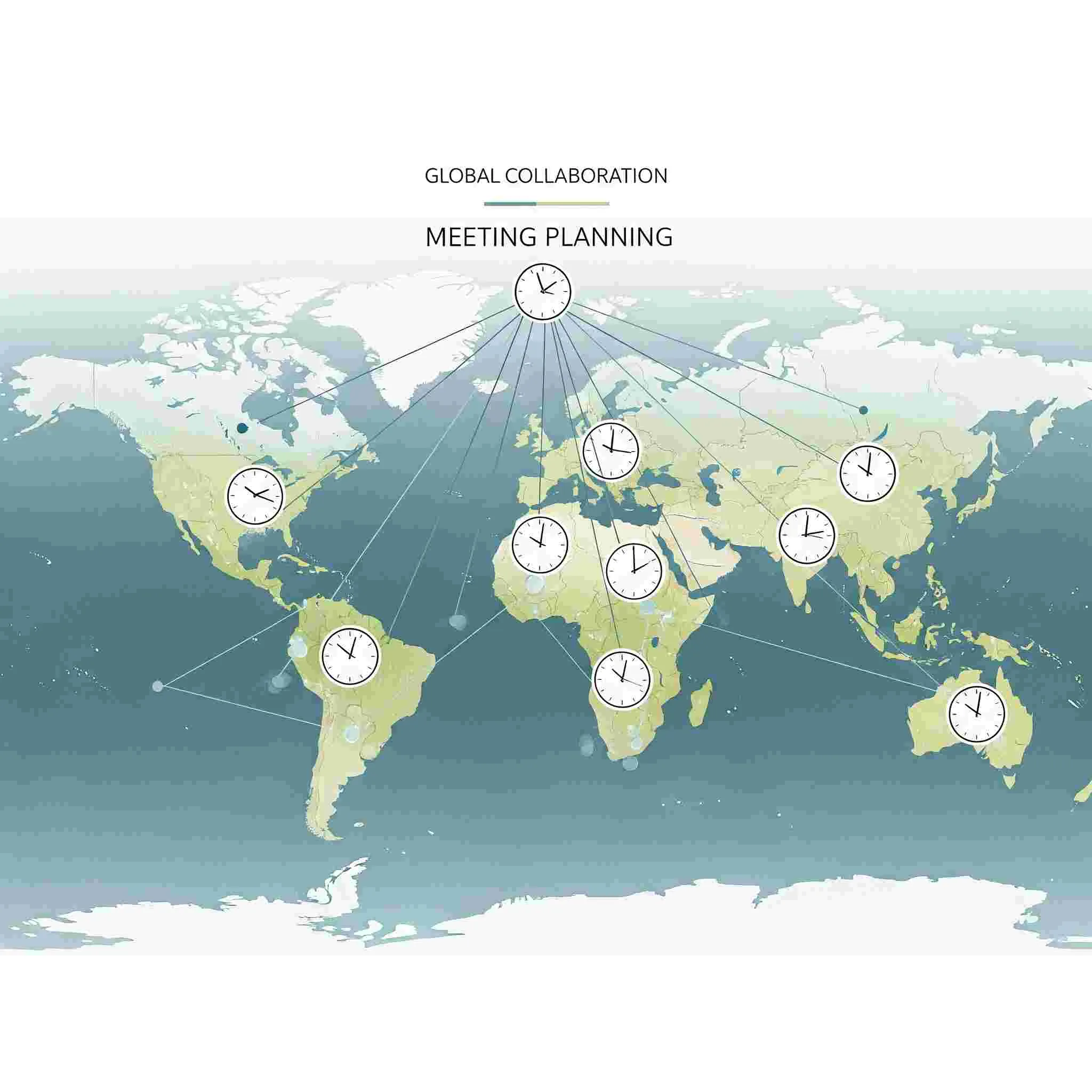
Global Time Zone Meeting Planner (Free Online Tool)
Managing remote teams and international clients can be tricky when everyone lives in different parts of the world. That’s why we created the Global Time Zone Meeting Planner – a free online tool that helps you quickly find the best overlapping meeting hours across multiple cities. Whether you are working with clients in the US, Europe, or Asia, this meeting planner ensures smooth scheduling without confusion.
Table of Contents
- What is a Global Time Zone Meeting Planner?
- Why Use a Global Meeting Planner Tool?
- Key Features of Our Tool
- How to Use the Global Time Zone Meeting Planner
- Benefits for Remote Teams
- Frequently Asked Questions
- Start Planning Your Meeting Now
What is a Global Time Zone Meeting Planner?
A Global Time Zone Meeting Planner is an online productivity tool that compares different time zones to find suitable hours for international meetings. Instead of manually checking world clocks, the tool automatically calculates overlap between countries and suggests the best possible meeting slots.
Why Use a Global Meeting Planner Tool?
Scheduling across time zones can lead to errors, missed calls, and unhappy clients. With our tool:
- You avoid the hassle of manual conversions.
- Automatically get overlap hours between cities.
- Plan remote team calls with minimal time conflicts.
- Save time and improve communication efficiency.
Key Features of Our Tool
- Unlimited Cities: Add as many cities as needed for your team.
- Graphical Timeline: Visualize available hours easily.
- Real-Time Accuracy: Powered by WorldTimeAPI for live data.
- Copy Schedule: One-click option to copy and share meeting times.
- Mobile Friendly: Works seamlessly on phones, tablets, and desktops.
How to Use the Global Time Zone Meeting Planner
- Select multiple cities from the dropdown menu.
- Click “Show Best Meeting Hours.”
- Check the green slots in the timeline (overlapping hours).
- Copy the schedule and share with your team instantly.
👉 Try our Global Time Zone Meeting Planner tool now and simplify scheduling for your next international meeting.
Benefits for Remote Teams
Remote work has become the new normal. From startups to global enterprises, everyone needs an easy way to manage time zones. Here’s how this planner helps:
- Improved Collaboration: Team members can join without late-night or early-morning issues.
- Boosted Productivity: Less time wasted on back-and-forth scheduling.
- Happy Clients: Professional scheduling leaves a positive impression.
Frequently Asked Questions (FAQ)
1. Is the Global Time Zone Meeting Planner free?
Yes! Our tool is 100% free and works without login or signup.
2. How many cities can I add?
You can add unlimited cities dynamically – perfect for large teams.
3. Does it support Daylight Saving Time (DST)?
Yes. The tool uses WorldTimeAPI which auto-adjusts DST changes.
4. Can I use it on mobile?
Absolutely. The tool is fully responsive and mobile-friendly.
5. Can I share the meeting schedule?
Yes, just click the “Copy Schedule” button and share via email or chat.
Start Planning Your Meeting Now
Don’t waste time struggling with multiple world clocks. Use our Global Time Zone Meeting Planner today and make your next meeting stress-free.
Related Tools:
Learn more about time zones from the official source: Time and Date World Clock.
Last updated : April 18 , 2026