
Advanced Image Resizer Tool
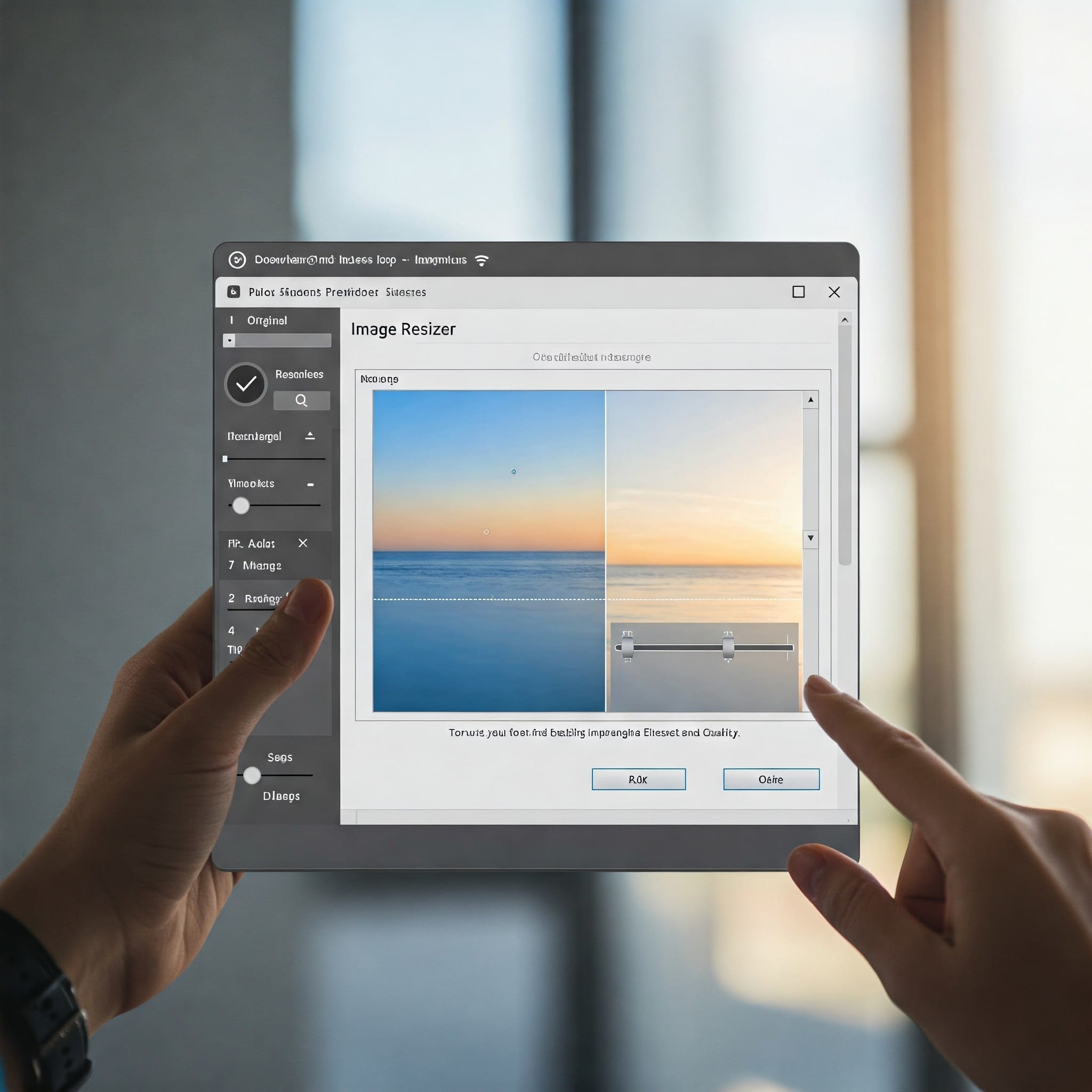
Image Resizer Tool – Resize Images Online Instantly
Welcome to our powerful and free Image Resizer Tool. Whether you’re a blogger, developer, or casual user, this tool helps you resize images online in just a few clicks. There’s no need for Photoshop or any software – everything runs directly in your browser, lightning fast!
Upload an image above, set dimensions, and resize it instantly — no login or signup required.
📑 Table of Contents
- How to Use
- Features
- Why Resize
- Who Should Use It?
- Device Compatibility
- FAQ
- External Resources
- Related Tools
🔧 How to Use the Image Resizer Tool
- Click on “Choose File” and upload any JPG, PNG, or WebP image.
- Enter your desired width and height in pixels.
- Click the “Resize Image” button and wait a second.
- Your resized image will appear with a download button.
This Image Resizer Tool works completely offline in your browser. It is safe, private, and watermark-free. Whether you’re resizing profile pictures, website banners, or product thumbnails, this tool gets the job done fast.
✅ Features of Our Image Resizer Tool
- 🚀 Instant online image resizing with preview
- 📱 Fully responsive and works on mobile & tablet
- 🖼️ Maintains original quality without distortion
- 💾 Download resized images with one click
- 🔒 100% browser-based – No upload to any server
📐 Why Resize an Image?
Large images can slow down your website, email, or mobile app. By resizing images, you get:
- ✅ Faster website loading speeds
- ✅ Better SEO score (per Google PageSpeed)
- ✅ Custom image dimensions for thumbnails, posts, and banners
- ✅ Smaller file size without compromising on quality
👨💻 Who Should Use This Tool?
This tool is made for everyone:
- ✅ Web developers & designers
- ✅ Digital marketers & bloggers
- ✅ Social media creators
- ✅ eCommerce store owners resizing product images
- ✅ Students preparing assignments
🖱️ Works Perfectly on All Devices
Our Image Resizer Tool is mobile-first and responsive. Whether you’re working from a phone, tablet, or PC, resizing your image is just as easy. The UI adapts beautifully and loads fast everywhere.
💬 Frequently Asked Questions (FAQ)
Is this tool really free?Yes, it’s 100% free without limitations.
Are my images stored or uploaded?
Nope! All resizing happens locally in your browser.
What image formats are supported?
JPG, JPEG, PNG, and WebP are all supported.
Will the image quality reduce?
Not at all. Resized images retain high quality with optimal file size.
🌐 External Resources
- 📘 Learn why Google recommends resizing images for better speed
- 📷 Find royalty-free images at Unsplash
📢 Share This Tool
If you like our Image Resizer Tool, don’t forget to share it with your friends or team. You can also bookmark it for daily use.
🔗 Related Tools
💡 SEO Tip
Before uploading any image to your blog or website, use our tool to resize and compress it. Optimized images help improve loading speed, SEO scores, and reduce bounce rates. It’s one of the easiest and fastest ways to boost performance.
🚀 Try It Now!
Scroll up, upload an image, and see the magic of instant resizing. Whether it’s for WordPress, Shopify, or Instagram – this tool will save your time!
Last Updated : March 03, 2026